I bought a Windows laptop last year. If I were buying now, my Android phone would talk me into a Googlebook.
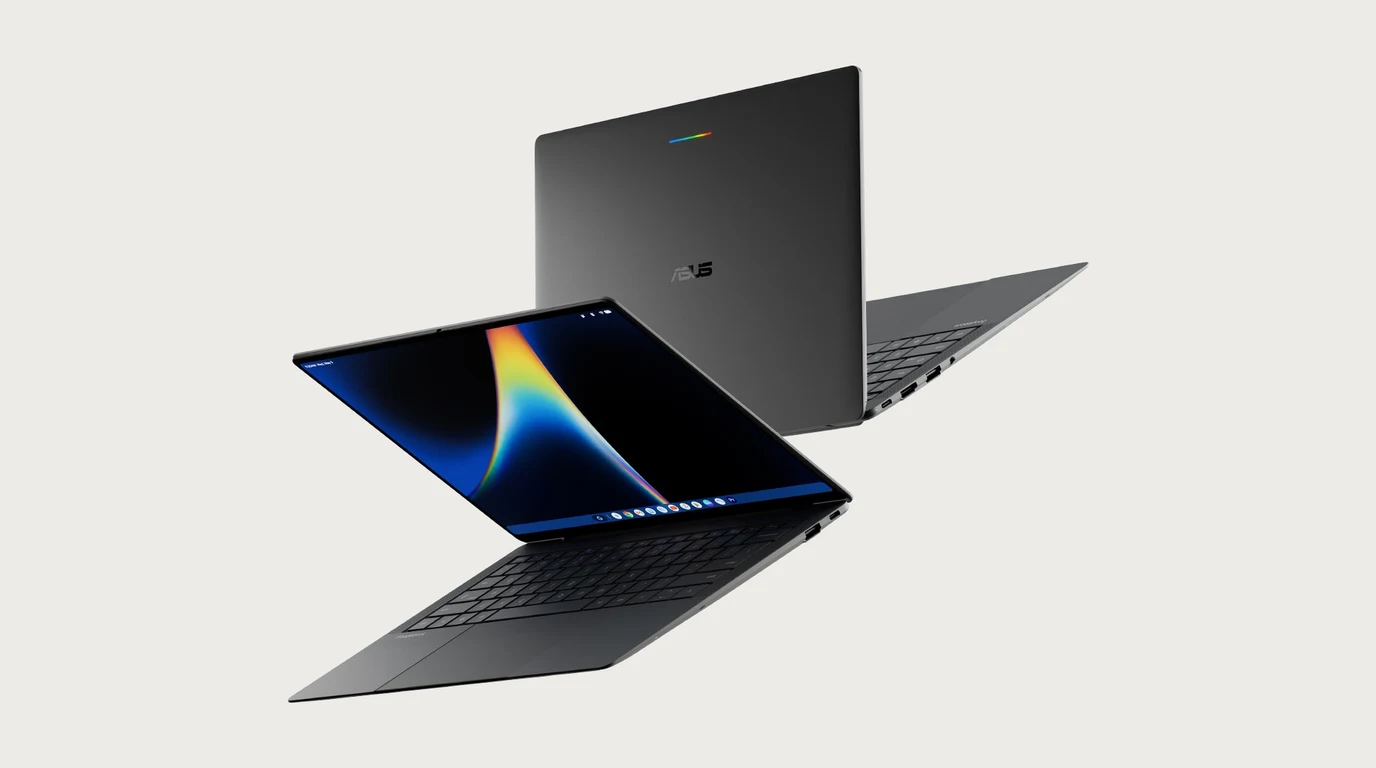
Last year I paid about $1,400 for a Lenovo Yoga 7 2-in-1. This month Google started selling a new line of laptops that starts at $899, and if I were shopping today, it’s the first one I’d look at.
The laptop is called a Googlebook, and it is what the Chromebook grew into. Google announced five of them on September 21, from Acer, Asus, Dell, HP, and Lenovo, running a new operating system built on Android with ChromeOS underneath. Chromebooks aren’t going away. Google says ChromeOS stays for schools, businesses, and entry-level laptops, and every Chromebook already sold keeps getting updates for its full life. But the premium Google laptop, the one aimed at people who spend real money on a work machine, is now the Googlebook.
I’m a Samsung and Google person, so take my bias as read. The phone, the watch, and the ring all run on Android. The one device I use every single day that doesn’t speak that language is the laptop.
In 2019 I wrote that laptops need to evolve the way phones do. Seven years later, Google’s answer is to put the phone’s operating system on the laptop. These are the ten features that would have made me buy one.
-
The build. Every Googlebook is made of aluminum, magnesium alloy, or carbon fiber, with a touchscreen up to 2.8K OLED. The Asus model weighs about a kilo. Google also set a floor for the whole line: 16GB of RAM minimum, a backlit keyboard, and a touchscreen on every unit, so every model under the name is a premium one.
-
Continue On. Start something on the phone, and the same app shows up in the laptop’s taskbar so you can pick it up where you left off. Google’s own example is a Google Doc: start it on the phone, finish it on the laptop.
-
Cast My Apps. Phone apps open in a window on the laptop without being installed on it. That includes the apps that only exist on the phone, and the ones that send two-factor codes. The Phone, Camera, and Settings apps are excluded for security.
-
Your phone’s files in the Files app. The phone shows up in the sidebar like a drive. No cable, no emailing photos to yourself, no transfer step at all.
-
Setup that already knows you. Wi-Fi networks, passwords, and settings carry over from the phone, end-to-end encrypted. Notifications and Do Not Disturb sync both ways, so silencing one silences the other.
-
Both app stores in one machine. The full Chrome browser with extensions sits next to the Play Store. Google says there are 20,000 games ready for a controller, and a year of GeForce Now comes free for anything bigger.
-
Gemini in the cursor and in your voice. Wiggle the mouse and Magic Pointer brings up Gemini with suggestions based on what’s on screen. Rambler takes a spoken, meandering thought and turns it into structured text. In that same 2019 piece, I said voice is the future of input. This is the closest a laptop has come.
-
Battery. Up to 14 hours of video and 16 hours of web browsing, on Intel Core Ultra and Snapdragon X Elite chips with dedicated AI processors.
-
Ten years of updates. Same promise as Chromebooks, so a laptop at this price won’t be left behind in three years.
-
The freebies are real money. Every Googlebook comes with 12 months of Google AI Pro and 5TB of storage, three months of YouTube Premium, three months of Adobe Photoshop, and CapCut. If you already pay Google for storage every month, that first year pays back part of the price.
Something similar already exists on Windows and Macs. Apple has iPhone Mirroring, and Windows has Phone Link, but Phone Link is buggy and not reliable. I understand the vision, and I love it.
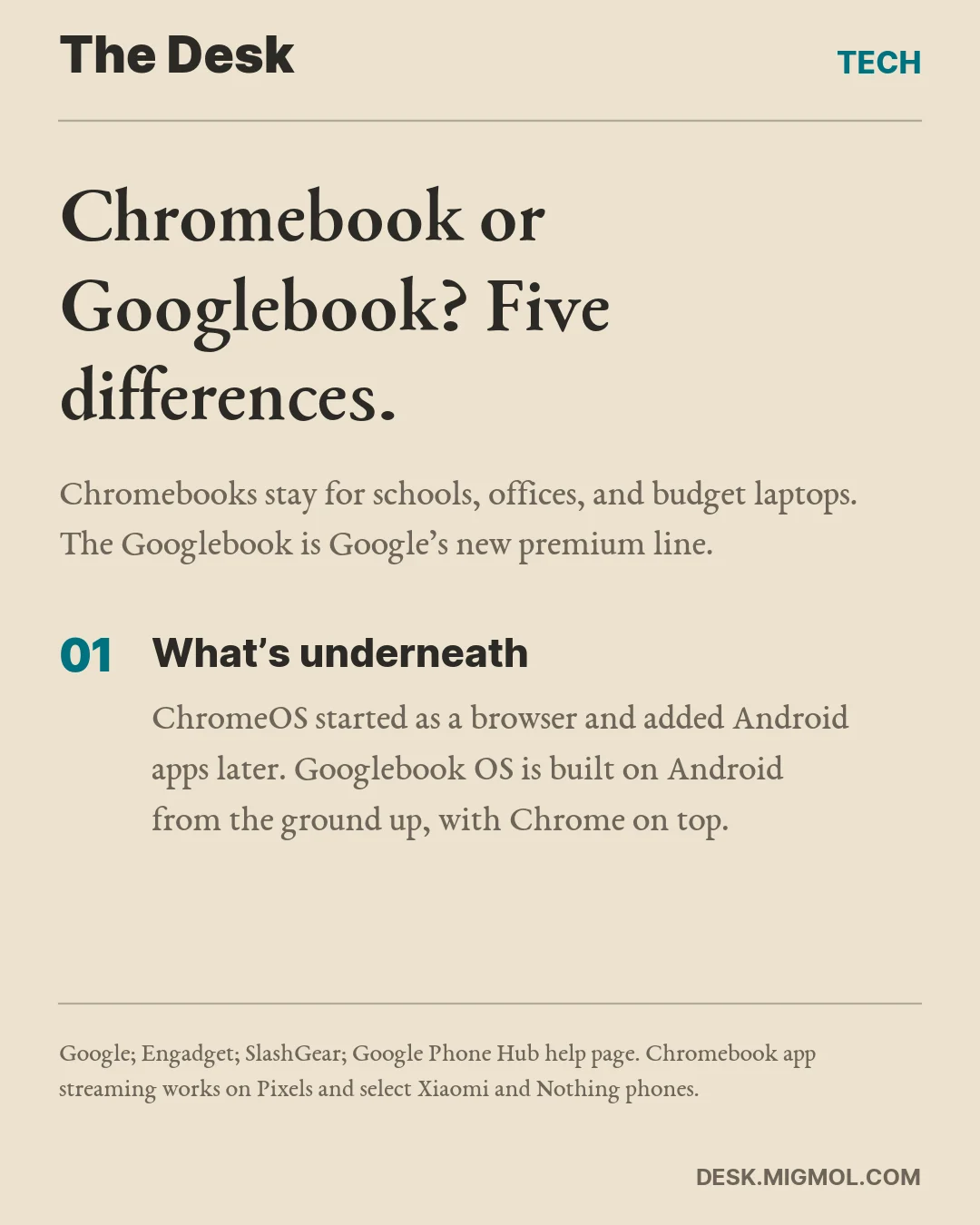
Chromebook or Googlebook? Five differences
-
What’s underneath. A Chromebook runs ChromeOS, which started as a browser and added Android apps later. A Googlebook runs an OS built on Android from the ground up, with the Chrome browser on top. That is why the phone features go deeper.
-
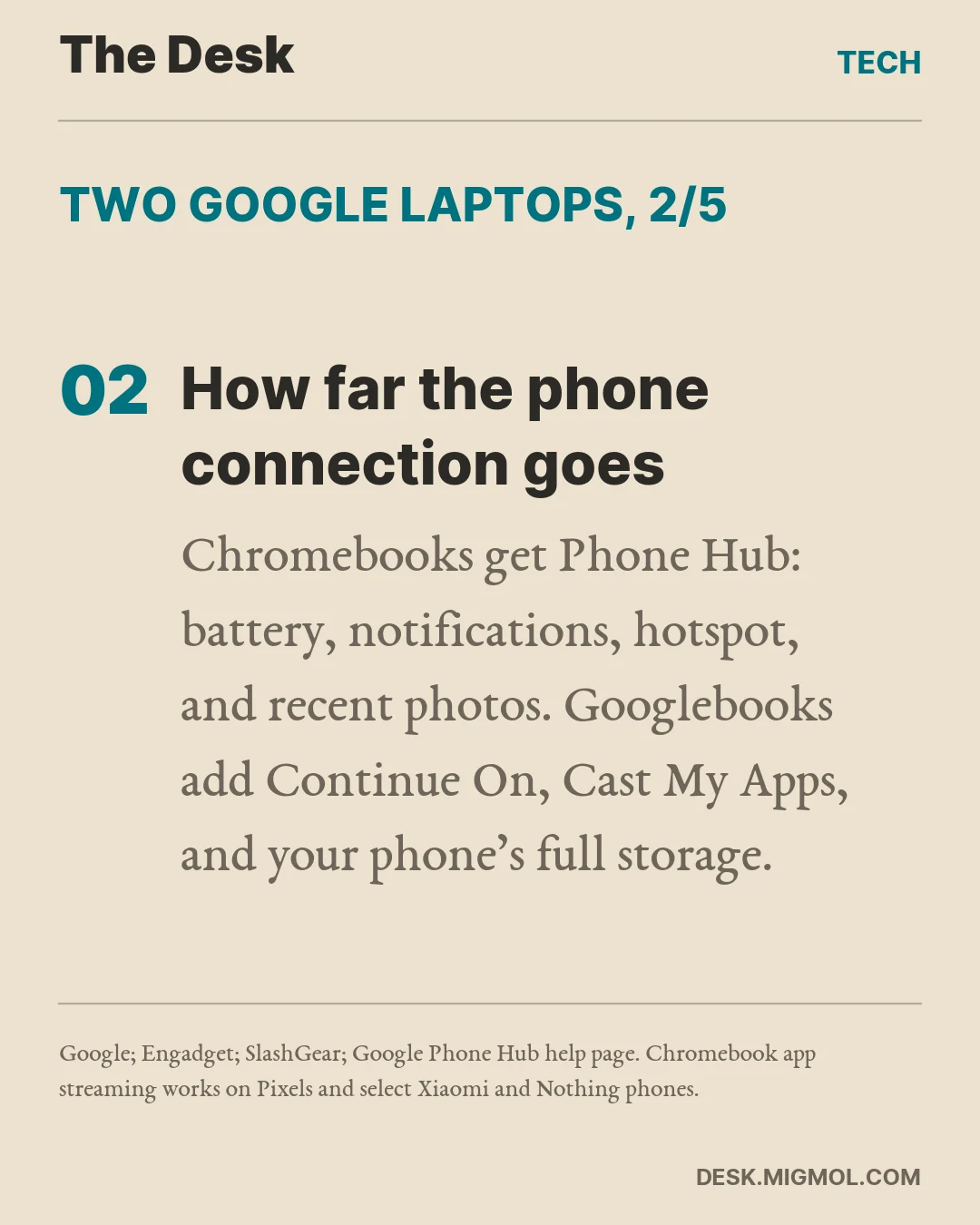
How far the phone connection goes. Chromebooks have Phone Hub: your phone’s battery and signal, notifications, one-tap hotspot, recent photos, and Chrome tabs from the phone. Streaming phone apps only works on Pixels and a handful of Xiaomi and Nothing phones. Googlebooks add Continue On, Cast My Apps, and full phone storage in the Files app, and they work with any phone on Android 17 or later, which means One UI 9 on a Galaxy.
-
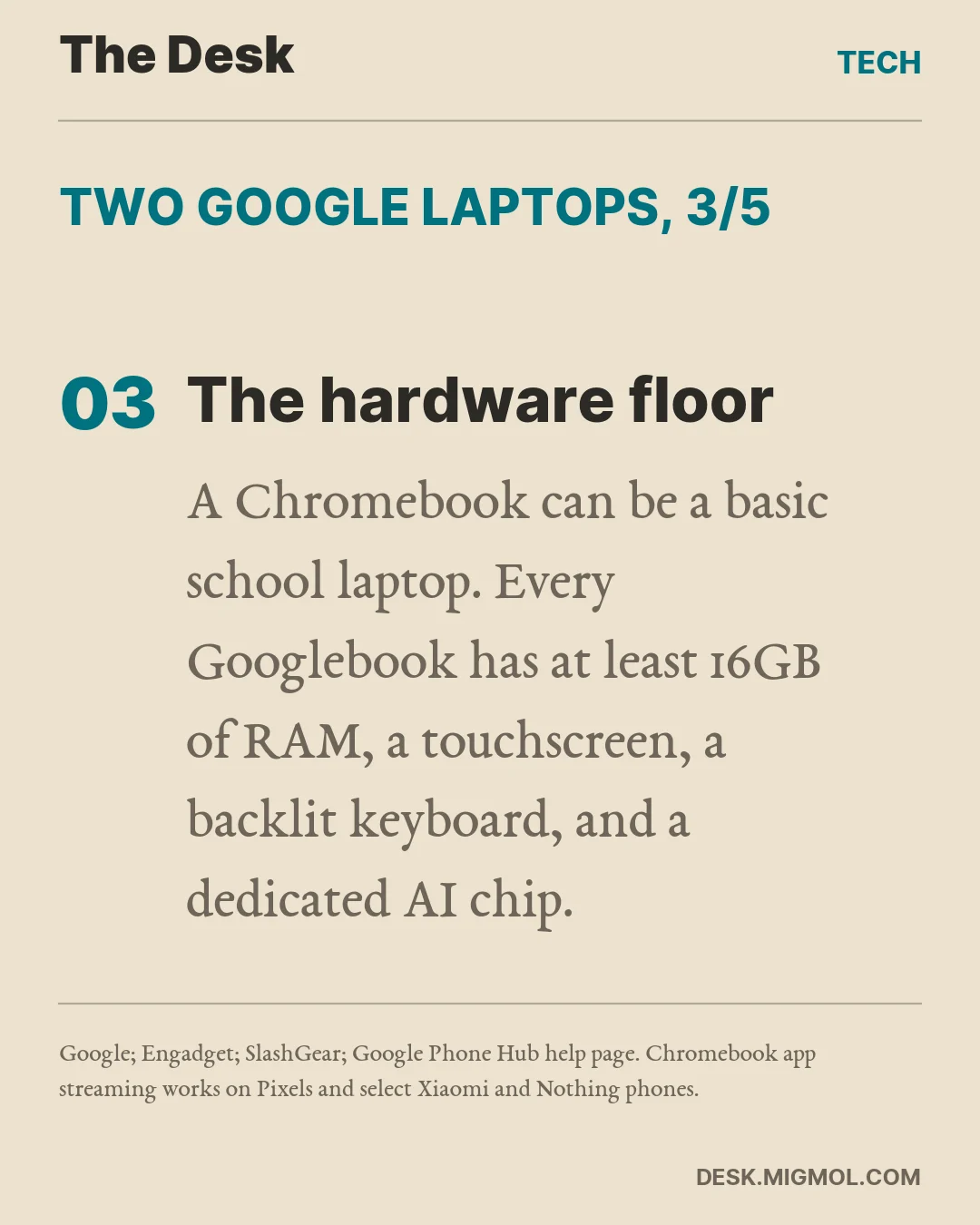
The hardware floor. A Chromebook can be a basic school laptop or a premium Chromebook Plus. The best of those, the Lenovo Chromebook Plus 14, has an aluminum body, an OLED screen, and 12GB of RAM for $649. Every Googlebook has at least 16GB of RAM, a touchscreen, a backlit keyboard, and an AI processor rated above 45 TOPS.
-
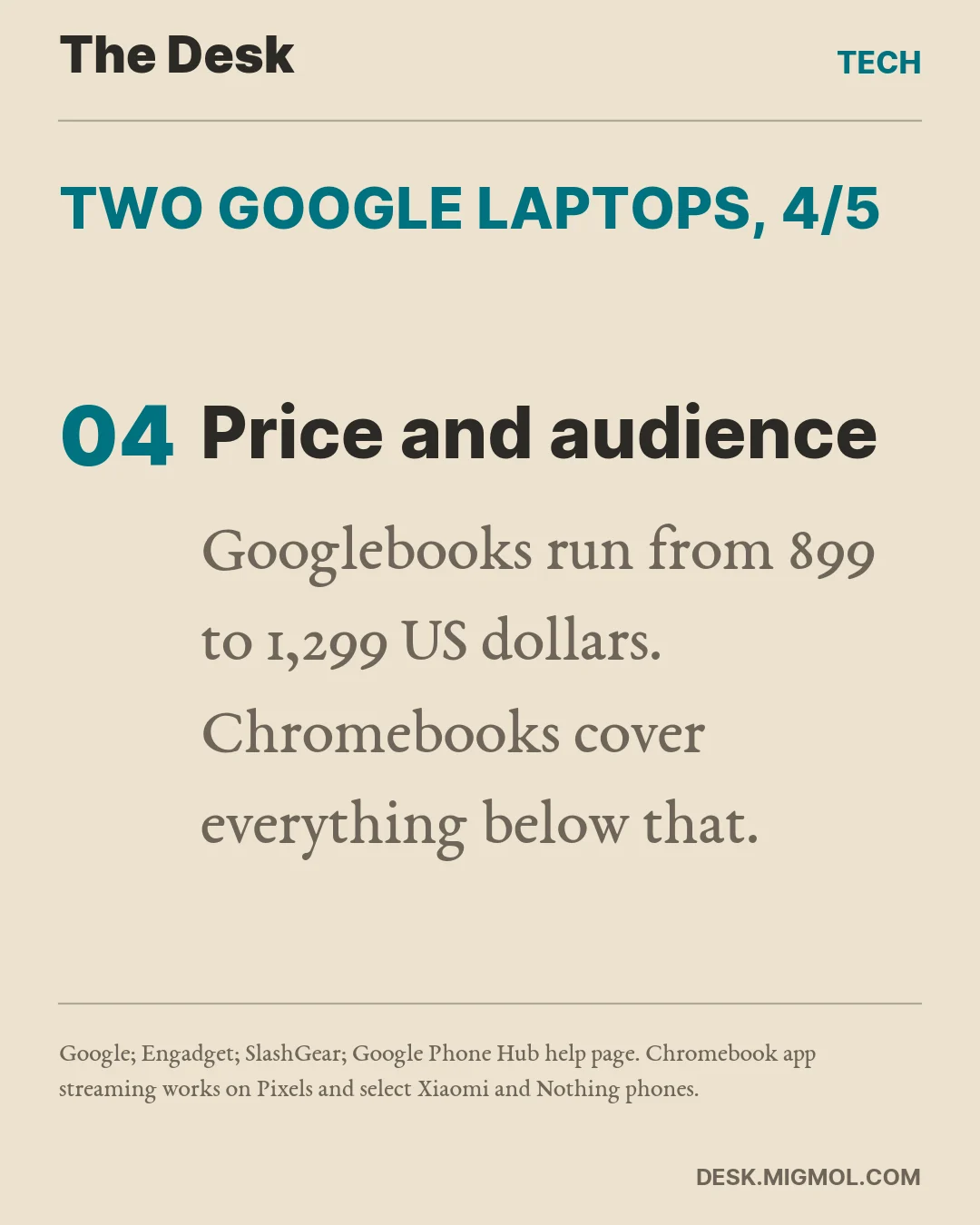
Price and audience. Googlebooks run from $899 for the Acer to $1,299 for the Asus, HP, and Lenovo models. Chromebooks cover everything below that and remain Google’s laptop for classrooms and offices.
-
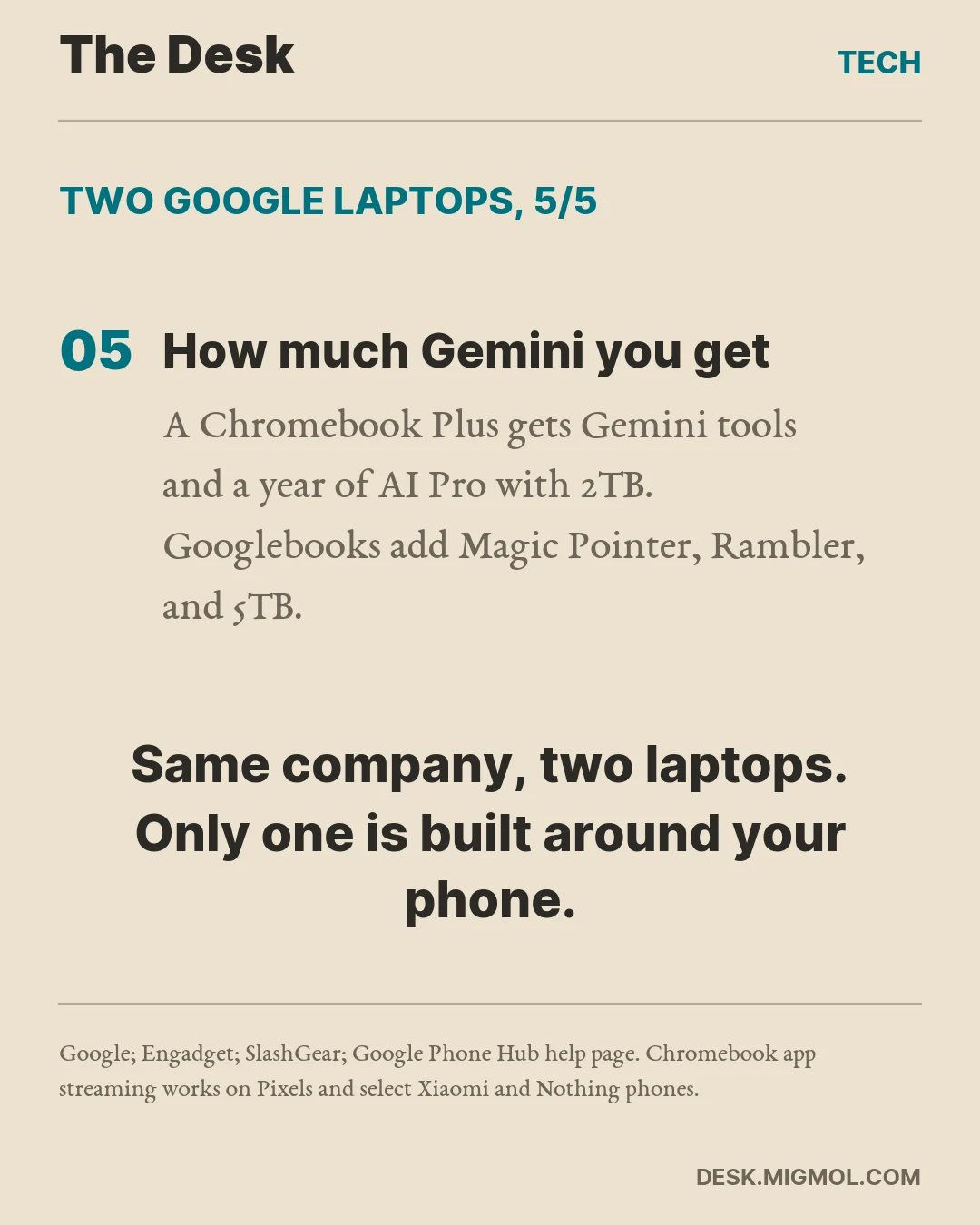
How much Gemini you get. A Chromebook Plus already has Gemini tools like Help Me Read and Select to Search, plus a year of Google AI Pro with 2TB. Googlebooks add Magic Pointer, Rambler, and Create My Widget, and double the storage to 5TB.
Will it succeed?
Do I think the Googlebook will succeed? Unfortunately, no. Windows has too much of the market, and you can’t get Apple people to switch no matter what you do.
Do I want it to succeed? Yes. It’s the right idea, and it solves a pain point laptop users run into every single day. How many hours do we waste going back and forth between our devices?
Does it make sense for Google? Yes, definitely. If nothing else, you’ll end up paying Google for a bigger cloud plan. But with Google’s propensity to kill projects that don’t have a meteoric rise (Stadia and the Pixelbook, to name two), I wouldn’t bet on it.
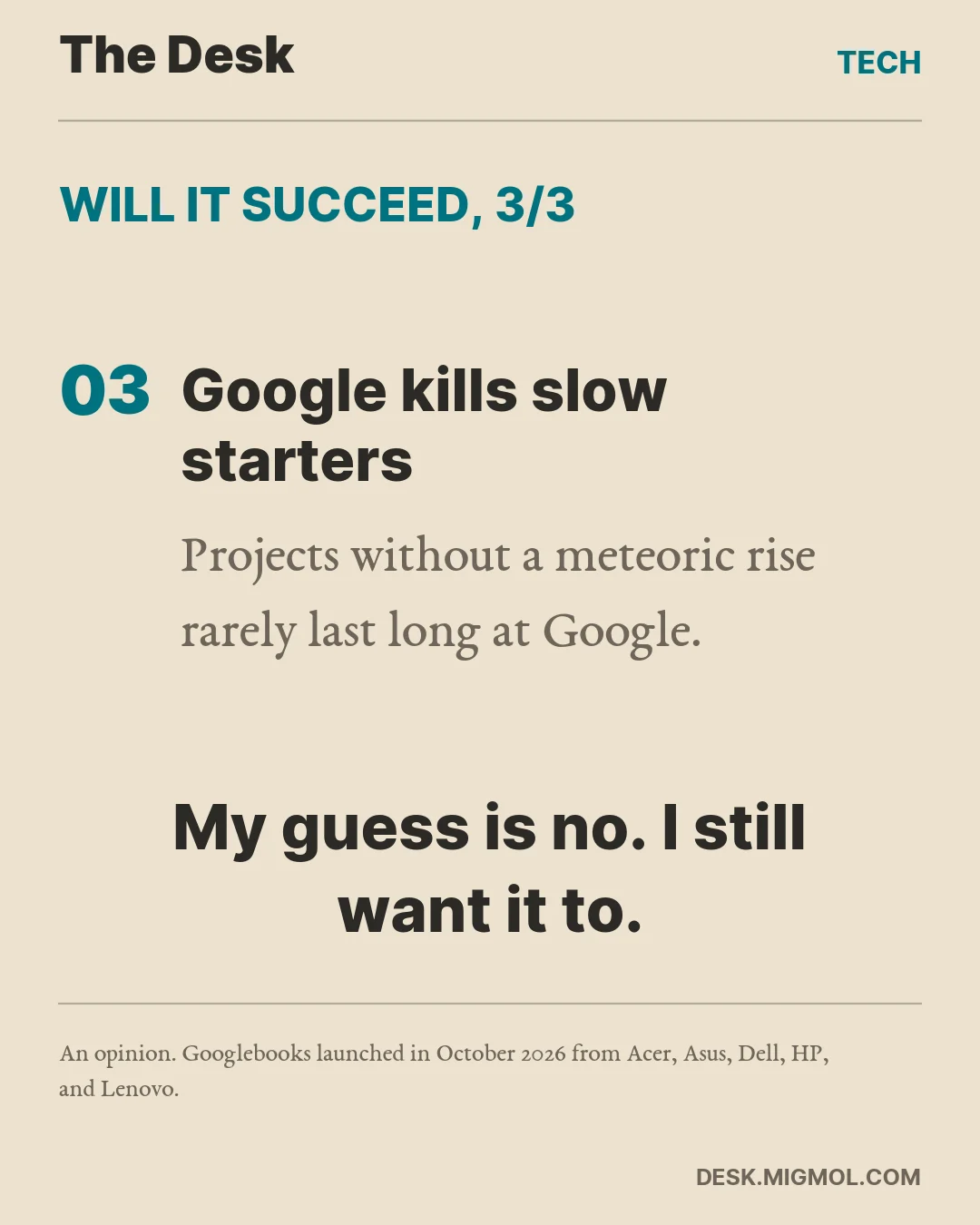
Still, if I were in the market, I’d give it a chance. Moving to premium builds instead of the flimsy Chromebooks is the right decision. I hope Google doesn’t give up on this, and I hope that eight years from now, when I need to upgrade my laptop, Googlebooks are still around.

How Do You Change Someone's Mind? Tell Them You Heard Them First
If you've been following the impeachment trial, you've heard it a hundred times. Someone raises a point, and Presiding Officer Chiz Escudero answers, "Duly noted."
Read more →
Alex Eala Doesn't Owe Us Anything
But she showed up anyway.
Read more →
Culinary Class Wars: Philippines — Dark Horses and Predictions
Who goes further than anyone expects, who cracks, and my actual call on how this ends. Part 3 of 3.
Read more →
What does the world need from the Philippines? Right now, nothing it can't get somewhere else.
China refines 91% of the world's rare earths. Taiwan makes over 90% of its most advanced chips. We import 98% of our garlic and ship our nickel out as raw ore. What could the Philippines own that the world can't do without?
Read more →